


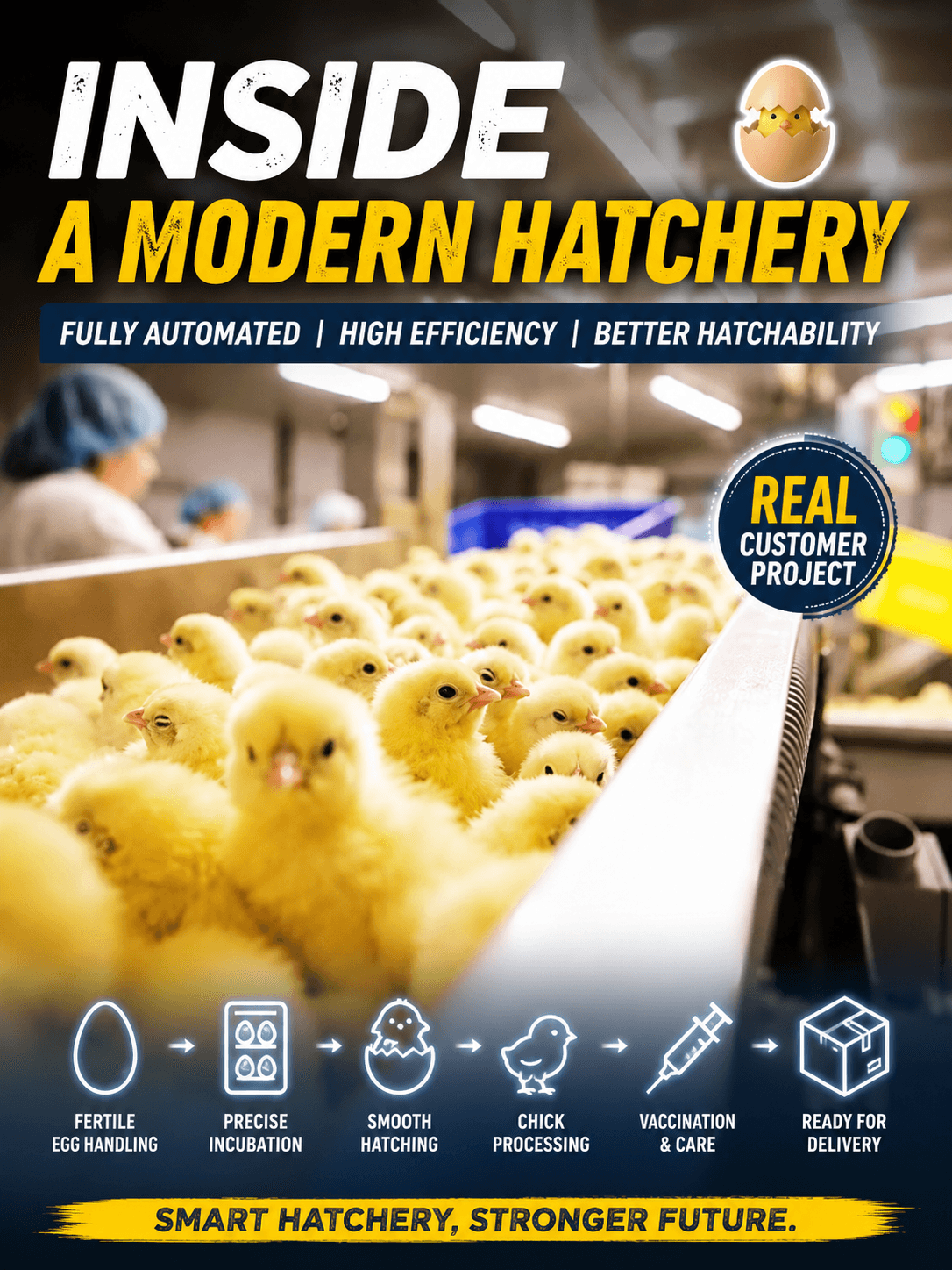
The phrase day old chick automation workflow sounds like a software diagram, but customers experience it as a sequence of physical moments: release, transfer, processing, checking, holding, cleaning, recovery, and dispatch. Following one shift makes the handoffs and decisions easier to design than starting with a list of machines.
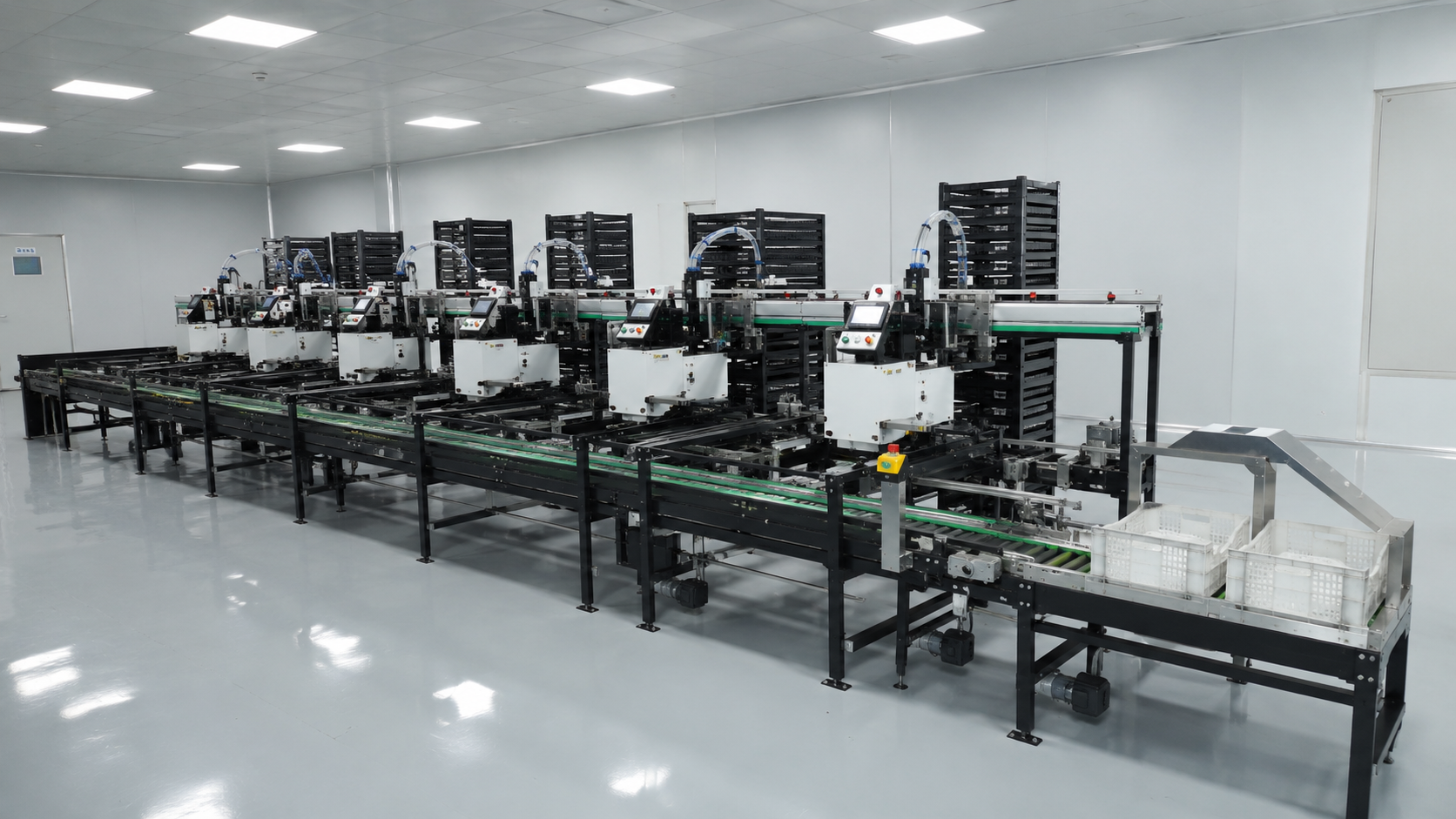
JuliSense supplies equipment and integrated solutions for hatchery routes. This shift-following method helps operators, engineers, and buyers describe what must happen in the room and where a new system should help.
06:00 — Release the First Load
Record what arrives, how it is identified, who checks readiness, and what condition authorizes movement. Note containers, batch information, staffing, and upstream variation. A stable release is the first test of a day old chick automation workflow.
What does the operator see?
Define the signal, screen, label, or physical cue that says the next zone is ready. Avoid a control phrase that only one experienced operator understands.
What happens when release is late?
Write the hold, escalation, and identity rule. A short delay should be visible rather than becoming an unexplained downstream shortage.
07:30 — Cross the First Handoff
Follow the load through alignment, detection, transfer, and confirmation. Mark working height, guides, sensors, guards, operator access, and the owner of each action.
Test a refused handoff
Ask where the load waits if the next station is full. Trace warning, stop, manual correction, batch record, and restart.
Keep physical and digital identity together
If a load is held, rejected, or moved manually, define reason, location, owner, and return rule. This keeps the day old chick automation workflow understandable at shift change.
09:00 — Run the Normal Station
Observe the processing or treatment stage under representative work. Record operator preparation, checking, replenishment, exceptions, and downstream acceptance. A machine cycle is only one part of the shift.
Give roles clear limits
Operators should know what they may adjust, what needs a supervisor, and what requires maintenance or technical support. Training should use the actual installed route.
Capture the ordinary pause
Planned cleaning, break, container supply, and inspection pauses shape accepted output. Include them in the route description and capacity conversation.
11:30 — Handle the Exception
Choose a realistic interruption: full zone, sensor disagreement, empty consumable, late collection, or damaged container. Ask the team to stabilize the route, communicate, record, recover, and verify.
Count the full recovery
Include clearing, identity reconciliation, inspection, cleaning, restart, and downstream catch-up. ISO 12100 supports a general machinery risk review.
Keep sanitation with the hatchery program
JuliSense can explain access and equipment limits; the site defines approved methods, agents, verification, and release. WOAH standards provide relevant context.
14:00 — Change Roles at Handover
Ask the incoming team to understand the current route, open hold, last batch, isolated equipment, temporary action, and next decision. A good day old chick automation workflow includes people and communication, not just product movement.
Use a short handover record
Include state, identity, exception, owner, expected action, and escalation route. Avoid a record that requires a private notebook or memory.
Observe the late shift
Reduced staffing and a different experience level can reveal access, labels, alarm, or travel problems hidden during commissioning.
17:00 — Release the Line for Cleaning
Follow product removal, isolation, disassembly, water movement, inspection, reassembly, and return to service. Put the cleaning boundary on the layout and in the training record.
Review access with tools in hand
Mark removable parts, inspection positions, drains, hoses, waste, and safe access. A route that cannot be cleaned within its planned window is not ready.
Review the first week of evidence
Compare interruptions, manual moves, missing records, and repeated questions. Update equipment, procedure, training, or support actions based on facts.
Turn One Shift Into a Project Brief
Send JuliSense the route map, workload, containers, room plan, utilities, roles, cleaning program, destination, and schedule. Review the product portfolio, picking and transfer equipment, and service scope.
What should be tested before purchase?
Agree representative inputs, normal flow, full-zone response, planned stop, exception, cleaning access, training, records, and acceptance. ISO 9001 is a useful reference for controlled records.
What should happen next?
Use the JuliSense contact page to discuss the actual day old chick automation workflow and identify which handoff or task deserves the first design attention.
Write the Shift Record
A useful shift record follows the work without turning operators into full-time data clerks. Use short fields for release state, active batch, station status, hold or reject, person responsible, next action, and escalation. Add a free-text note only when the approved list cannot describe the event. This keeps the day old chick automation workflow visible without creating duplicate paperwork.
Review the record at handover
The incoming operator should be able to identify what is moving, what is stopped, which equipment is isolated, which exception remains open, and who can authorize the next action. Supervisors can sample the record for repeated workarounds or unclear alarms. Maintenance can use the same event to improve diagnosis.
Protect the simple path
Do not add a screen for every possible signal. Start with decisions the team makes during a normal shift, a stop, a cleaning release, and dispatch. If a field does not change an action, remove it or move it to a controlled technical record.
Use the shift record during commissioning and early production support. Review it with JuliSense and the customer team to decide whether an issue needs a layout change, procedure, training, controls adjustment, or service action.
Let the Diary Improve the Layout
After the first week, compare the diary with the original design. Did operators walk farther than expected? Did a container arrive in a different condition? Did a cleaning hose block access? Did a handover record fail to capture a hold? These observations are not criticism of the operator; they are evidence about the installed workflow.
Share the findings with engineering and maintenance, then decide whether the response is a label, procedure, training refresh, guard or access change, control adjustment, or service visit. Keep the change controlled and test the new routine on a later shift. A workflow becomes valuable when it improves the next design decision.
Protect the handover language
Use the same names for stations, holds, batches, exceptions, and release states in the diary, screens, work instructions, and training. Consistent terms reduce questions when a new operator joins or a supervisor covers another shift. Include the language and format expected by the site. A readable record makes the day old chick automation workflow easier to sustain after the installation team leaves.
Make the record usable
Use the same station names and exception labels in training, screens, and maintenance notes so a handover does not require translation.
Keep the review practical
Use short tables, marked-up drawings, observed practice, and named actions so the article can become a useful project conversation. Ask the customer team to bring the people who release work, maintain equipment, clean the room, approve local services, and receive finished output. Their combined view often reveals a constraint that a single department cannot see. Record the answer, the owner, and the next review date. This keeps the recommendation useful after the initial quotation and gives JuliSense a clear basis for the next engineering step.
Review the evidence again before approval.