


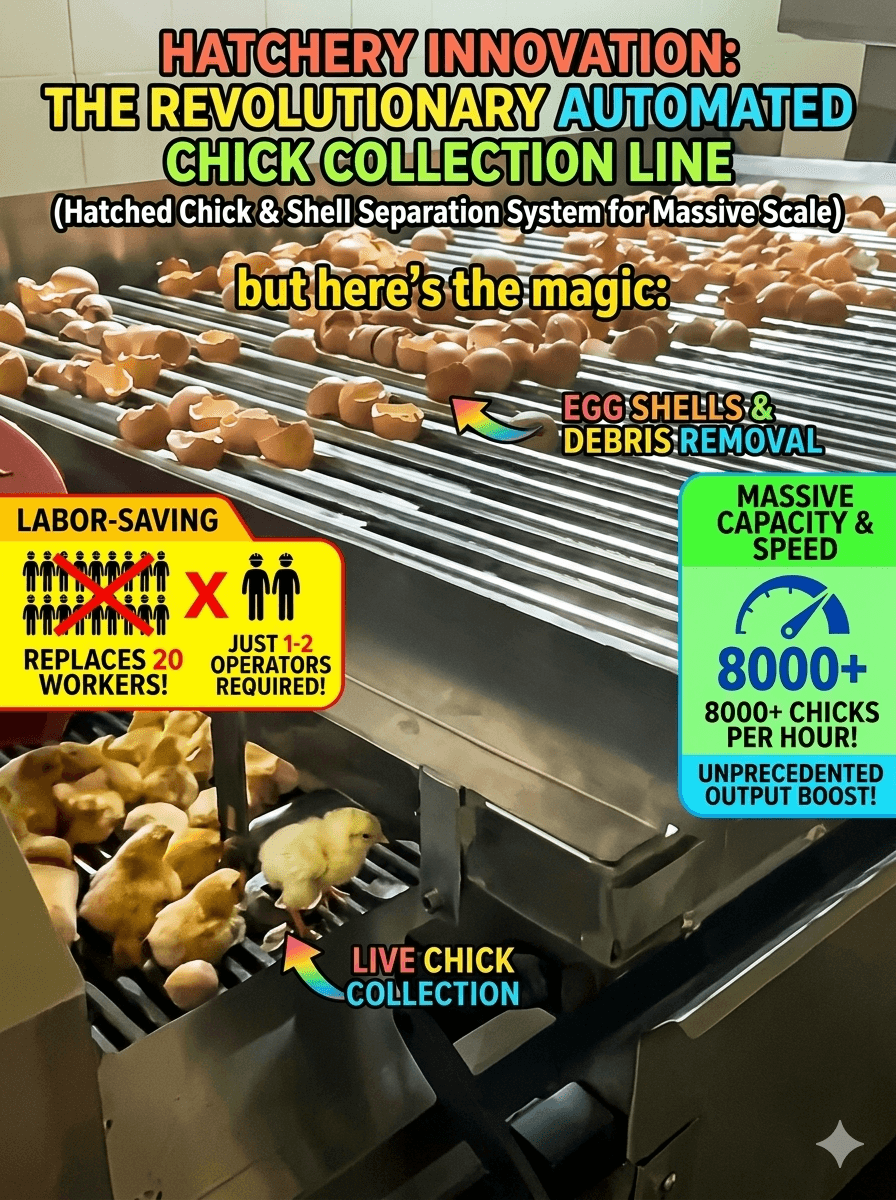
The first step in day old chick processing automation is not selecting a machine. It is documenting every place where a person lifts, presents, corrects, waits, checks, decides, or transfers something during the hatch-day workflow.
Some manual touches are valuable and should remain. Others create strain, variation, queues, or repeated handling. A touch audit helps the hatchery separate the two before equipment is added.
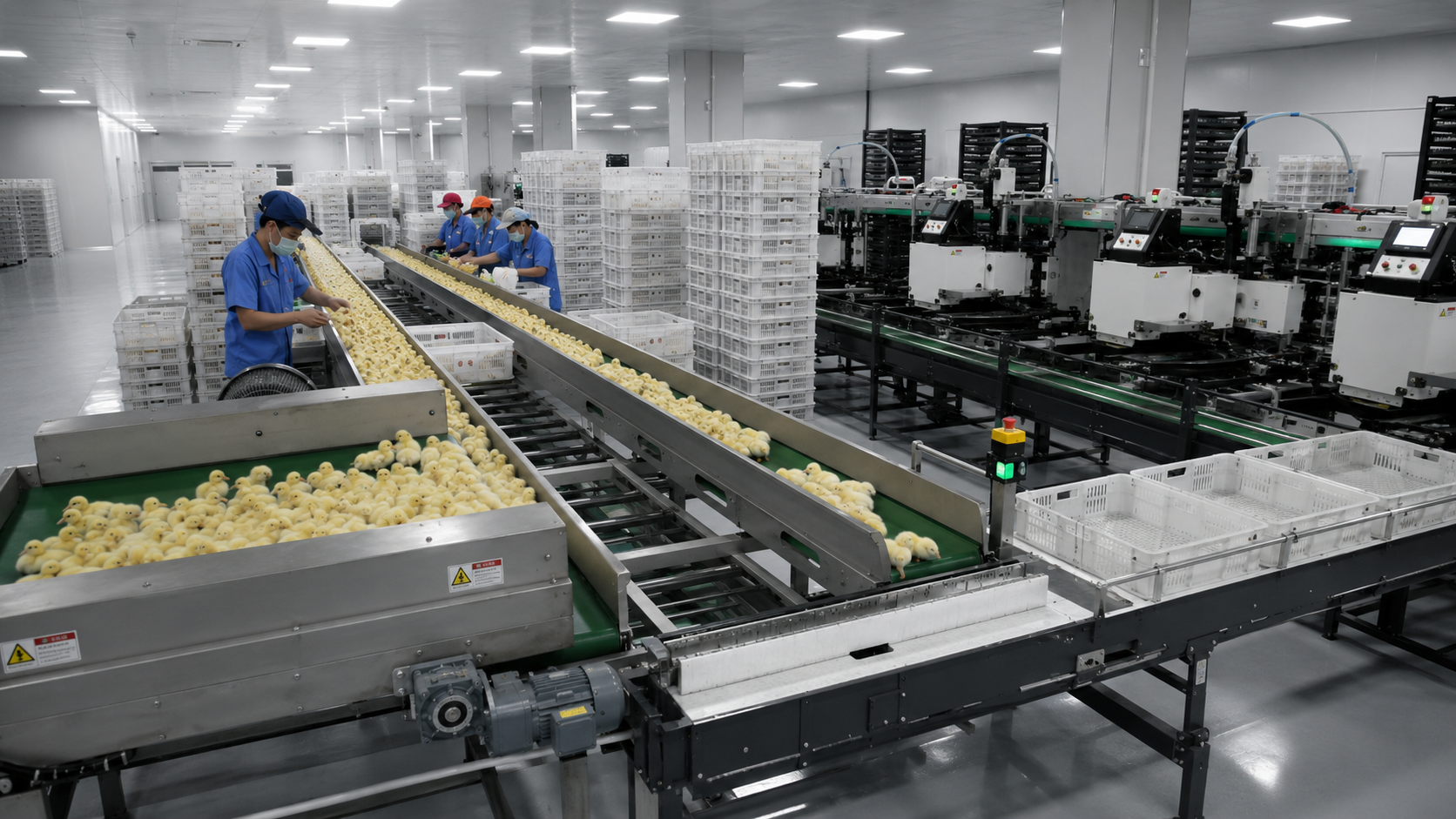
Walk the Process With the People Who Do the Work
Begin at the point where chicks enter the processing area and follow the normal route to final box release. Include production operators, veterinary or technical staff, sanitation, maintenance, and the people who move full boxes or returned containers.
Record the task, owner, item handled, reason for the touch, frequency, posture, walking distance, wait time, correction rate, and what happens when the next stage is unavailable.
Do not ask only what the written procedure says. Observe what happens on a normal run, during peak arrivals, and after a short interruption. The difference between the documented route and the real route often reveals the best improvement opportunity.
Score Every Touch for Four Types of Loss
A simple score makes different tasks easier to compare.
First, frequency: how often does the touch occur in one batch or shift? Second, physical burden: does it involve repeated lifting, reaching, turning, or walking? Third, variation: does the result depend heavily on individual technique? Fourth, delay: can the task stop an expensive downstream station or create a growing queue?
A high-frequency touch with modest effort may create more total loss than an occasional difficult task. A rare correction may deserve attention if it interrupts batch identity or forces the line to stop.
The score is not a promise of savings. It is a way to decide which problems deserve measurement and engineering review.
Separate Necessary Decisions From Unnecessary Movement
Not every operator action should be automated. Technical observation, approved checks, exception decisions, and welfare-related judgments may need trained people. The improvement goal is to give those people better information and remove avoidable movement around the decision.
For example, an operator may need to approve a batch transition but should not have to walk repeatedly to discover whether the downstream area is ready. A clear status signal can remove movement without removing responsibility.
When planning day old chick processing automation, label each touch as decision, presentation, transport, correction, replenishment, record, cleaning, or recovery. This prevents a conveyor project from being used to solve a decision problem or a control screen from being used to solve a layout problem.
Follow Chicks and Boxes as Two Connected Flows
Chick flow receives most of the attention, but boxes often determine whether processing can continue. Empty boxes must arrive in the correct condition and orientation. Full boxes must leave, accumulate, stack, and reach dispatch. Returned containers may need washing, inspection, clean release, and storage.
Map both flows on the same drawing. Jili Intelligent publishes a day-old chick picking and transfer machine, equipment for infrared treatment and vaccination, and a conveying and stacking line.
The correct combination follows the measured touches and delays. A hatchery should not add every available module simply because the equipment can connect.
Audit Stop Recovery, Not Only Normal Work
Many manual touches appear only when the process stops. Operators move chicks to temporary containers, carry boxes around a blocked conveyor, reset several controls, or search for the reason another stage is unavailable.
Create a short interruption during the audit. Record who notices it, how the condition is communicated, where material waits, which manual route is used, who authorizes restart, and how the batch remains identified.
These recovery touches often justify better status signals, accumulation, line controls, or a redesigned handoff. They also belong in the acceptance test for any proposed automation.
Include Cleaning and Maintenance Touches
Automation can reduce production handling while increasing cleaning or maintenance work if access was not designed carefully. Follow the end-of-shift route: stopping, emptying, opening guards, removing parts, cleaning, inspection, reassembly, and release.
Maintenance should also identify routine access, adjustment, inspection, and replacement tasks. Equipment placement must leave enough room for these jobs without dismantling unrelated sections of the line.
Jili's complete hatchery automation solutions are relevant when several modules and interfaces need to be reviewed together. The layout should work for production, sanitation, maintenance, and recovery.
Turn the Audit Into a Phased Automation Plan
Rank opportunities by operational impact, evidence quality, implementation difficulty, and dependency on other projects. Some improvements may be layout or work-standard changes. Others may require transfer, treatment, vaccination, conveying, stacking, washing, or integrated controls.
Plan the future interfaces even when installation will happen in phases. A first module should solve a measured problem without blocking the next stage of improvement.
For each phase, define the current baseline, target behavior, scope boundary, acceptance scenarios, and records that will show whether the change worked.
Where Jili Intelligent Fits
Jili Intelligent's published range spans the main post-hatch handling stages. This allows an inquiry to begin with the touch audit and then match equipment to transfer, treatment, vaccination, box handling, washing, or line-level coordination.
The customer should provide the observed process, measured arrivals, exception routes, site constraints, and approved technical requirements. Jili can then develop a configuration and layout around the actual work rather than a generic machine package.
Frequently Asked Questions
How long should a touch audit take?
Observe enough normal, peak, and interrupted work to see repeated patterns. A short walk-through can create a first map, but investment decisions should use measured examples from representative production.
Should the highest-scoring touch always be automated first?
No. Check whether the cause is layout, training, missing information, equipment, or an upstream problem. Also consider dependencies and whether the proposed change creates new work elsewhere.
What information should be sent to an automation supplier?
Send the touch map, batch arrivals, stop history, room drawing, operator routes, box route, cleaning sequence, existing equipment, utilities, and expansion plan.
Automate the Loss, Preserve the Judgment
Effective day old chick processing automation removes repeated handling, waiting, correction, and unclear handoffs while preserving the trained decisions that the hatchery needs. The touch audit makes that boundary visible.
Send Jili Intelligent your process map, touch audit, peak data, layout, existing equipment, boxes, sanitation route, and future plan through the contact page. Ask for a phased concept tied to the highest-value operational losses.