

A hatchery automation remote support plan should help the hatchery stabilize an incident, preserve useful evidence, contact the right person, authorize access, and close the issue without encouraging unsafe improvisation. “Call the supplier” is not a plan when production, maintenance, IT, and management need different information.
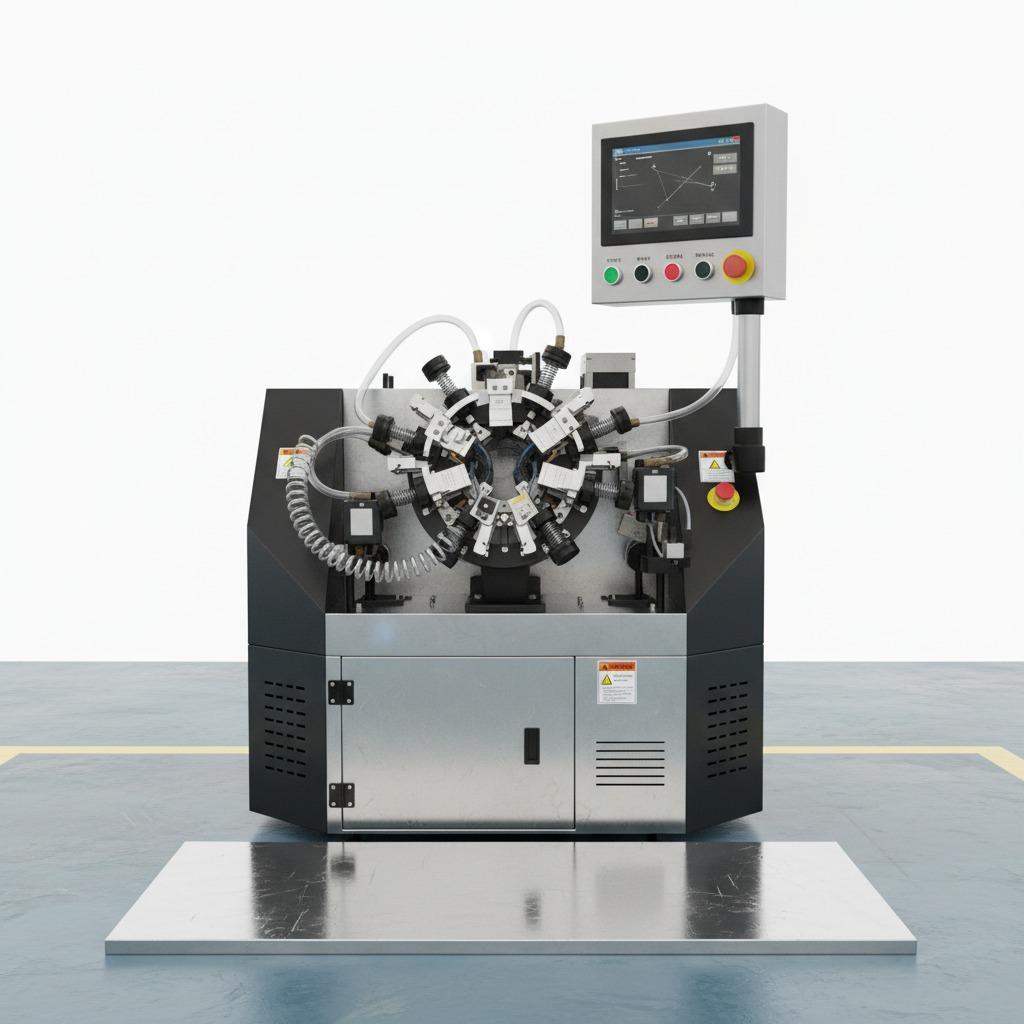
JuliSense can discuss remote and on-site support according to the agreed project scope. Build the following timeline before startup and rehearse it with the people who will use the equipment.
Minute 0–3: Make the Area Stable
The operator follows the approved site procedure, stops further abnormal movement where required, protects the affected load, and alerts the authorized supervisor. The first goal is a controlled condition, not a fast reset.
Stay within role authority
Operators should not bypass guards, isolation, alarms, or unfamiliar faults. State clearly when the response transfers to maintenance or another authorized role.
Protect batch information
Record the current batch, location, held loads, manual moves, reject status, and downstream condition so recovery does not create an identity problem.
Minute 3–7: Capture the Minimum Evidence
Collect equipment identifier, time, operating state, alarm text or code, observations, recent change, affected batch, and approved photos or video where site policy permits.
Avoid destroying the evidence
Repeated resets can remove the original state or create new symptoms. The hatchery automation remote support plan should define permitted checks before contact.
Use consistent terminology
Match station names, alarms, and status words to the controlled documentation. “The machine near the door” slows diagnosis.
Minute 7–10: Choose the Support Lane
Classify the incident as operating question, maintenance issue, controls or software issue, utility problem, interface failure, part requirement, or site condition. Use one approved contact route.
Set priority with consequence
Describe whether the route is stopped, partially available, affecting safety or product control, or able to wait for normal support. Avoid marking every request urgent.
Identify local ownership
Power, air, water, drainage, network, building work, and third-party equipment may require a local contractor or customer technical owner before JuliSense can act.
Minute 10–15: Authorize Remote Access
Define who approves remote access, who remains at the machine, what system may be viewed or changed, how the session is recorded, and how control returns to the site.
Coordinate with IT policy
Access tools, accounts, network connections, time limits, logging, and revocation should follow the hatchery's approved security process. Never create an informal permanent account during an incident.
Confirm the installed revision
Share equipment, controller, software, parameter, and document versions where relevant. A backup or screenshot should have an identifier and date.
Minute 15–20: Test One Hypothesis at a Time
The support owner explains the suspected cause, permitted observation or action, expected result, and stop condition. The site confirms who executes the step.
Keep actions reversible
Record any approved setting, component, connection, or procedure change. ISO 12100 provides a general framework for machinery risk assessment and risk reduction.
Maintain production boundaries
Remote diagnosis does not override local safety, sanitation, quality, or authorization requirements. The site controls the installed equipment and production release.
Minute 20–25: Decide Recover, Hold, or Escalate
If the evidence supports a controlled recovery, verify readiness, clear the route, communicate, restart, observe, and reconcile affected loads. Otherwise maintain the hold and move to parts, specialist, contractor, or site-visit escalation.
Define successful recovery
A running motor is not enough. Confirm normal transfer, signals, records, operator understanding, and downstream acceptance.
Avoid temporary fixes without ownership
Any temporary control needs a reason, limit, owner, communication, review date, and permanent closure path.
Minute 25–30: Close the First Response
Summarize symptom, evidence, actions, current state, affected production, temporary control, next owner, parts or visit need, and follow-up time. Store the record with the equipment history.
Create a useful support ticket
The hatchery automation remote support plan should make every ticket readable at shift change and by a specialist who was not present.
Review repeated requests
Recurring incidents may require equipment correction, interface change, utility work, training, spare parts, preventive maintenance, or revised documentation—not simply faster remote response.
Build the Escalation Lanes
Separate operations, maintenance, controls, parts, IT, local contractor, and on-site service lanes. Give each lane contact method, hours, language, time zone, evidence, authorization, and handoff rules.
Prepare the parts lane
Record part number, installed location, symptom, configuration, stock, lead time, shipping responsibility, replacement competence, and test after installation.
Prepare the site-visit lane
Define travel basis, local access, tools, parts, production window, utilities, responsible escort, work permit where applicable, and acceptance of the completed action.
Rehearse the Plan Before Production
Run tabletop scenarios for a full zone, sensor disagreement, utility loss, network unavailability, damaged load, and unfamiliar alarm. Observe whether roles can find current documents and contact information.
Audit the support record
ISO 9001 offers useful quality-management principles for controlled records and improvement. Review response quality, repeat incidents, evidence gaps, and open actions.
Keep animal-health programs site-specific
WOAH standards provide relevant context. The hatchery controls sanitation, biosecurity, welfare, and production release.
Agree the JuliSense Support Boundary
Review JuliSense products, services, and complete solutions. Send the equipment list, destination, roles, IT policy, languages, spares, and expected support route through the contact page.
A strong hatchery automation remote support plan makes the first 30 minutes calmer, safer, and more useful for diagnosis because everyone knows the evidence, authority, and next handoff.
Measure Support Quality
Track response acknowledgment, evidence completeness, time to a controlled condition, escalation, parts decision, open actions, repeat incidents, and final closure. These measures should improve the process, not encourage unsafe fast resets.
Separate response speed from resolution quality
A quick reply can still produce a poor outcome if the equipment identifier is wrong, the original alarm is lost, or an action falls outside local authority. Review whether the first exchange established a safe condition, captured useful evidence, and assigned the next owner. For longer incidents, record when responsibility passed between operations, maintenance, IT, a local contractor, and JuliSense.
Learn from cases that did not need a repair
Some support requests reveal a training gap, an unclear screen message, a difficult document, unstable utility, or third-party interface. Closing the ticket as “operator error” wastes information. Ask why the action was reasonable to the person at the time and whether the system, instruction, label, training, or roster can make the correct response easier.
Reconcile the incident with production
After recovery, confirm affected loads, manual transfers, held output, records, temporary controls, and any work still awaiting permanent closure. The line running again is only one part of the result. Operations and quality owners should agree what can re-enter normal flow according to site procedures.
Refresh the contact route
Review names, hours, time zones, access approvals, installed revisions, and spare stock after staffing or equipment changes. Check that remote-access accounts follow current IT policy and that the person beside the equipment can communicate observations clearly. Rehearse one scenario annually or after a major change.
A living hatchery automation remote support plan gives JuliSense and the site team a shared starting point. It reduces avoidable back-and-forth while keeping safety, sanitation, production release, and change authority with the appropriate local roles.
Give the Next Shift a Clean Handoff
If an incident remains open, the incoming team needs the current equipment state, affected loads, evidence collected, actions attempted, temporary controls, outstanding approvals, supplier case reference, and next scheduled contact. A structured handoff prevents repeated tests and conflicting instructions. It also lets JuliSense support specialists continue from verified evidence instead of reconstructing the event from several chat threads. Add this handoff to the hatchery automation remote support plan.